
You’ll be surprised by how hard Crimson Desert can be at times despite its flashy, incredibly over-the-top combat. Kliff and the other characters you’ll unlock are badasses, but bosses and large groups of lesser enemies will put you in your place. That’s where food and gear come in, and the Crimson Desert Twitch Drops give you a bunch for free.
There are two weeks of unique rewards up for grabs, including items for Kliff and your horse, so get them before they’re gone. Below, I’ll explain what the Twitch Drop items are and how you can link your accounts to earn them yourself.
All Crimson Desert Twitch Drops
You can earn two sets of Crimson Desert Twitch Drops over the next two weeks. This first campaign runs from March 19 until March 26, and the second batch is live from March 26 until April 2, both beginning and ending at 23:59 pm UTC:
Article continues below
Week 1:
|
Unlock Requirement |
Reward |
|---|---|
|
Watch for one hour |
Modest Braised Meat x10, Blue Scout Lantern |
|
Watch for two hours |
Blue Scout Earring, Necklace, and Ring |
|
Watch for three hours |
Blue Scout Shield |
|
Watch for five hours |
Blue Scout Cloak, Armour, and Hat |
Week 2:
|
Unlock Requirement |
Reward |
|---|---|
|
Watch for one hour |
Blue Scout Stirrups |
|
Watch for two hours |
Blue Scout Champron |
|
Watch for three hours |
Blue Scout Saddle |
I’ll be honest, this might be the first time where I actually want a game’s Twitch Drops items. For once, they’re not entirely purple, Twitch-themed items; they’re a cool blue that looks much more natural.
How to get Crimson Desert Twitch Drops
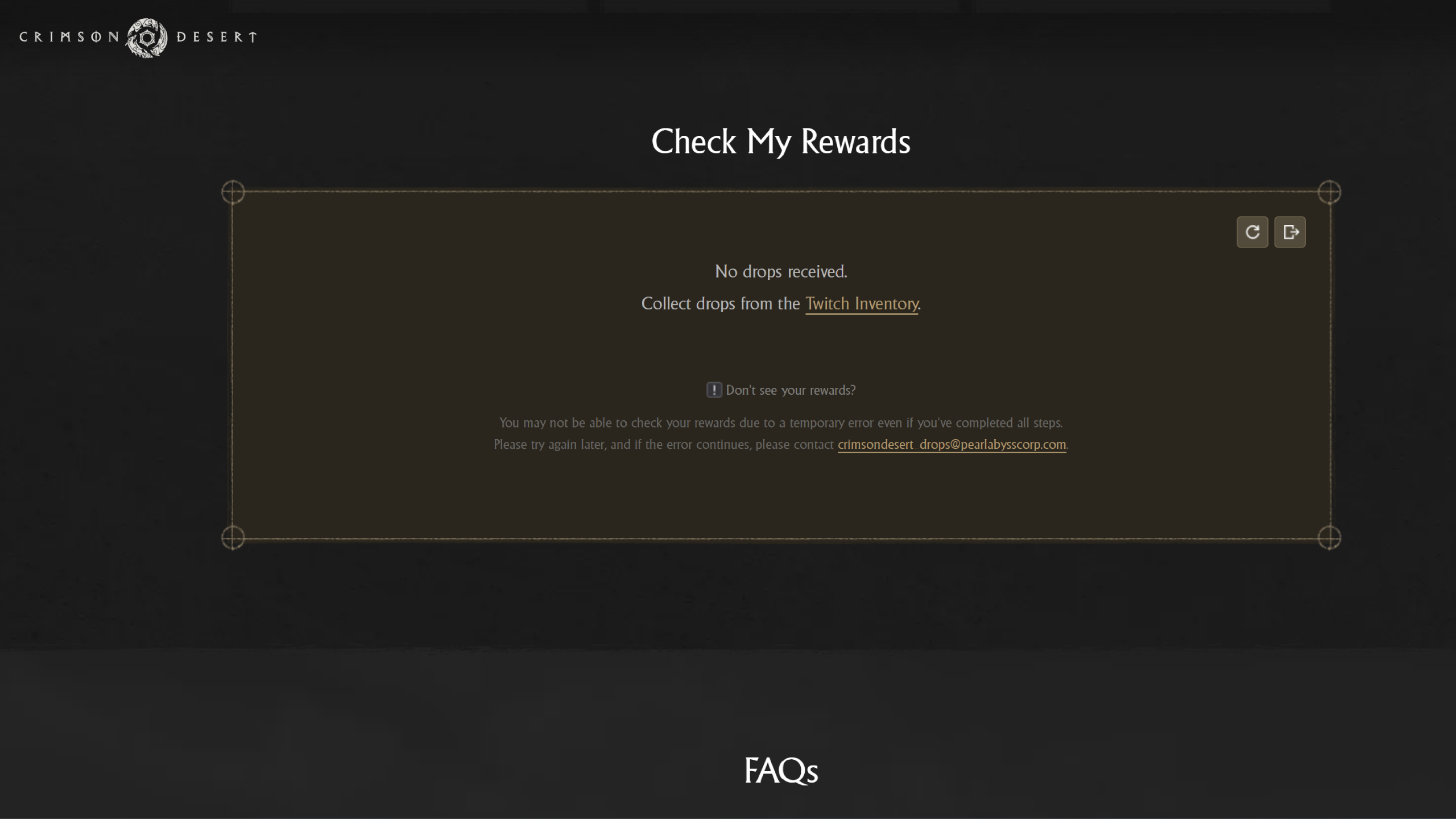
Crimson Desert’s Twitch Drops work a little differently from most campaigns, especially if you’re not playing on Steam, as you’ll actually get a redemption code on a separate website.
Tune into any participating Crimson Desert Twitch stream at any point during the campaign period to start earning rewards. You’ll see a ‘Drops Enabled’ tag and often a notification at the top of the chat on an applicable stream, though chances are any of the big streamers will have them running.
Then, you need to:
- Claim your rewards from your Twitch Inventory
- Log in to your Twitch account through the official Crimson Desert Twitch Drops page
- Claim your redemption code via the website and select your platform
Your rewards will be sent directly to your inventory in-game if you’re playing on Steam. However, if you’re on Epic Games on PC or on console, you’ll be given a code to enter on your platform’s store page, as if you were redeeming a game code. Once you’ve done that, you need to claim your items in-game by going to Menu > Others > Options > Add-On/Add-Ons.


