
It would appear that Phantom Blade Zero (Phantom Blade 0? Zero? Let’s go with Zero) demanding more gigs than a mismanaged stadium is doing little to stop people playing the thing. It therefore stands to reason at least some folks will want to run S-Game Studio’s lightly Soulsy sword-em-up on the Steam Machine, so let us now examine how said GabeCube stands up to its effects-heavy martial artistry. With some settings proposals, natch.
Two signs boded poorly, before I got to testing the Machine. The first was a comment on Oisin’s day one patch piece, warning of heavy glitching on a Linux system. The second was my Steam Deck OLED, also a Linux system, being incapable of running Phantom Blade Zero at even close to a steady 30fps; even with the Low preset and some nasty-looking Ultra Performance upscaling, the game’s flashy moves and jerking (apologies – cinematic) camera shifts made for regular framerate drops into the teens.
Fortunately, the Steam Machine is much more resilient, even if it does benefit from a few quality cuts (and, realistically, will struggle if pushed beyond standard 1080p.) The Medium preset and Quality-level FSR are enough for 45-60fps in what I’ve played so far, and the High preset – while a touch susceptible to sub-40fps dips for my liking – is at least playable without major bugs or stuttering.
Strangely enough, the only major technical problem I’ve had wasn’t caused by graphics, or the Linux-based SteamOS, but the Steam Controller I was playing with. Despite being assured during the boot process that I was being treated to the Official Gamepad Configuration – cor! – an unresponsive map-opening button left me immobile during a prompt tutorial. Immobile and, I suppose without a map, lost. It turns out this this is a common bug with the Steam Controller specifically, and can be fixed by remapping the Select button, in SteamOS’s controller settings, to emulate the effect of clicking the touchpad of a PS5 pad. PC gaming.
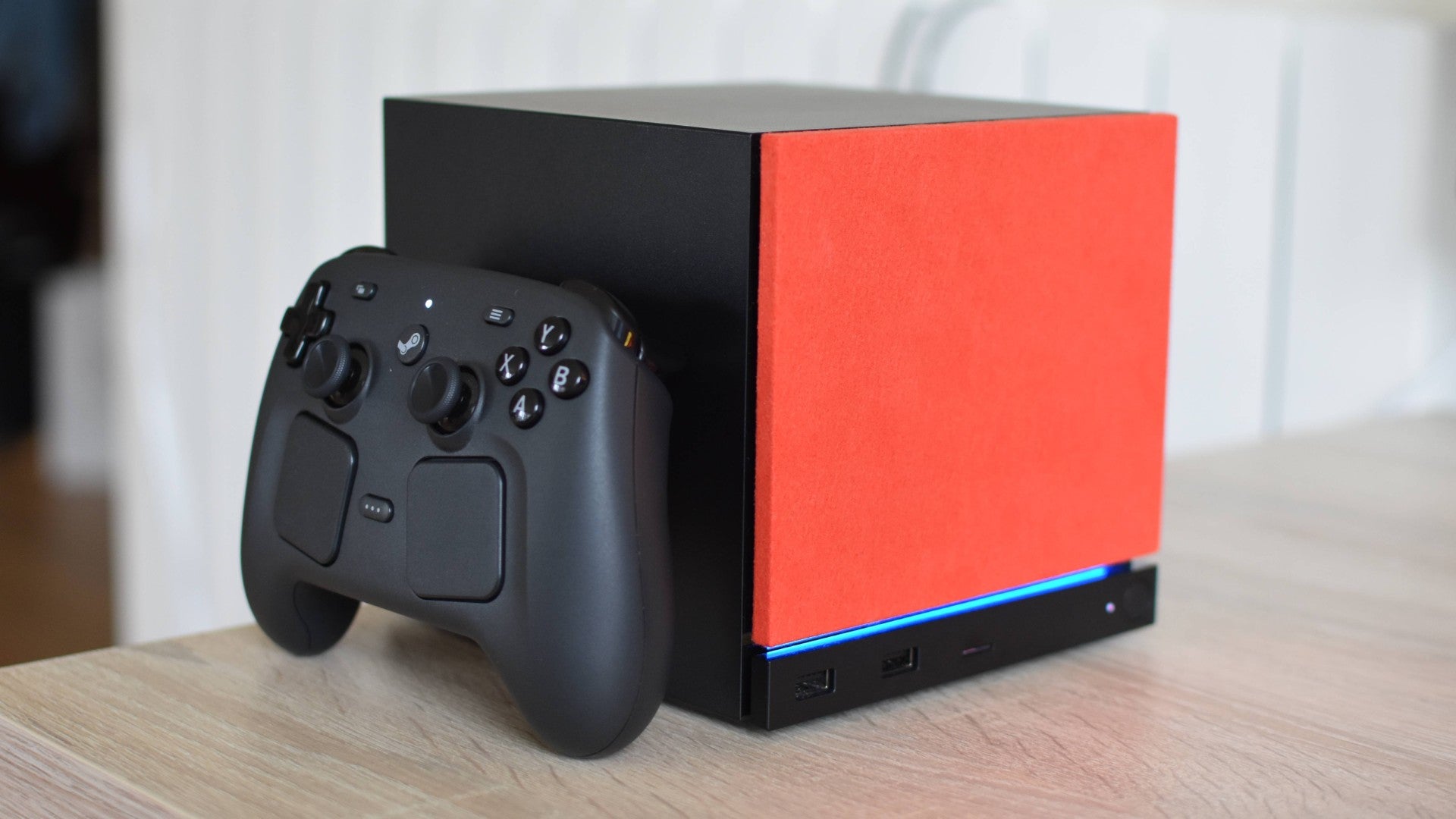
With that sorted, Phantom Blade Zero seems to work fine? If I was nitpicking I’d point out that some high-drama sequences are visibly less buttery than the slower, roaming sections, which can exceed 60fps on Medium. Same for a lot of cutscenes, which aren’t hard-locked to 30fps like prerendered scenes often are, but do cause heavy framerate drops for little apparent reason. Still, it’s reasonable when actually playing.
Settings-wise, that Medium preset (with FSR on Quality) works well if you’re lazy. But a few of Phantom Blade Zero’s individual quality options aren’t terribly performance-sapping by themselves, and than thus be tuned upwards for a slightly nicer-looking wuxia tale with minimal drawback. Have a crack with the following:
- Motion Blur: Off
- Super Resolution Method: FSR
- Super Resolution Quality: Quality
- Dynamic Resolution Quality: Off
- Super Resolution Output Scale: 100%
- Frame Generation: Off
- Super Resolution Sharpness: 10
- Ray Tracing Quality: Off
- Shadow Quality: Medium
- Reflection Quality: Medium
- Post-Processing Quality: Ultra
- Lighting Quality: Medium
- Effects Quality: Medium
- Material Quality: High
- Ambient Occlusion Quality: Very High
- Depth of Field Quality: Ultra
- Motion Blur Quality: Irrelevant, it’s switched off
- Anti-Aliasing: Also irrelevant, it’s replaced by FSR
- View Distance: Medium
- Character Texture Quality: High
- Character Model Quality: High
- High-Quality Hair: Off
- Environment Texture Quality: High
- Environment Model Quality: High
- Environment Detail Quality: High
Don’t miss those Dynamic Resolution Quality and Super Resolution Output Scale tweaks; on their defaults, they both make the game uglier than it needs to be. And on the subject of Super Resolution, FSR upscaling does leave a bit of roughness on certain edges, but then at 1080p, so does FSR even when it’s on its Native Resolution setting. You might as well get the extra frames.


