
Image via Hypixel Studios
The journey is more fun with pals.

|
Hytale is finally here after some tumultuous development, and gamers across the world are looking to play what could be the next big Minecraft-like survival game.
Like Minecraft and other survival crafting games, Hytale offers multiplayer so you can play with friends. It’s not an overly simple task, however, and there are some steps you need to take in order to group up with buddies and survive, craft, and fight together.
Here’s how to connect with friends to start your Hytale adventures together.
How to play with friends in Hytale
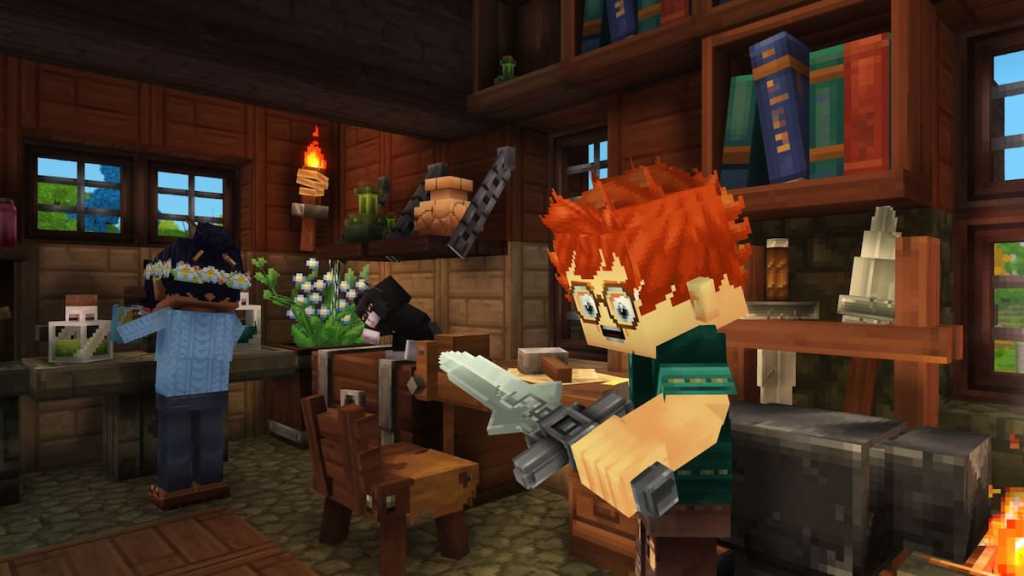
There are a few ways to play with friends in Hytale, including inviting them to your game, joining their game, or even playing on dedicated online servers. Here’s how to do it.
How to host a game in Hytale
- Load into a singleplayer world you created.
- Press ESC to open the pause menu.
- Click “Online Play.”
- Toggle “Allow Other Players to Join” to ON.
- You can optionally set a password for your game.
- You can toggle “Include Password in Share Code” to embed the password in the code so your friend doesn’t have to enter it manually.
- You can optionally set a password for your game.
- Click Save.
- After saving, Hytale syncs up a UPnP negotiation with your router. Once complete:
- A share code appears in the text field.
- Connection status shows below (e.g., “Connected via UPnP”).
- NAT Type displays your network configuration.
- Click “Copy to Clipboard” and send the code to your friends you trust.
The code that the game generates includes your IP address, so Hypixel Studios warns to not share the code with anyone you don’t know or trust.
How to join a friend’s game in Hytale
- From the main menu, select “Servers.”
- Click “Join via Code.”
- Paste the share code sent by your friend.
- Enter the password if required (and not already embedded).
- Click “Connect.”
How to play dedicated servers in Hytale
Hytale offers dedicated server hosting. These servers can be rented and paid for on websites like these, which Hypixel says are “launch verified,” allowing your online world to persist:
How to host your own dedicated server in Hytale
You are also able to host your own server in Hytale, and the dev offers a Server Manual for setup instructions here. This includes specific requirements and instructions on how to get it up and running.
If issues persist with trying to join friends, there may be server problems with the game. Keep in mind Hytale’s release in January 2026 is early access, and that the developer is expecting bugs and glitches to take place.
If you’re having server troubles, be sure to check official Hytale channels, like the Hypixel Studios Twitter/X account for official info straight from the developers where they should be keeping players up to date on what’s going on with the game whenever there’s news to report. A good place to check for news is also the official Hytale Discord server.


Published: Jan 12, 2026 05:00 pm