
Protect/Destroy 5 contract is the final one in the same sequence that you can complete for the MIDA faction in Marathon, and finishing it will be easier if you know what needs to be done.
Like the previous contracts in this series, there are three different tasks to complete. Let’s look at how to complete the tasks and finish the final Protect/Destroy contract.
Marathon Protect/Destroy 5 contract walkthrough
The Protect/Destroy 5 contract can be broken down into three separate parts.
- Hack shipping database in Intersection
- Using explosives, blast open a container in Complex
- Exfil UESC Resource Stockpile
How to hack shipping database in Intersection
The first task takes place at the Intersection POI on the Dire Marsh map. Once you’ve reached the marked location, you’ll find a cyan-colored building. The terminal is on the first floor of the building. Take the stairs, go up, and you’ll find the quest marker showing the location of the terminal.
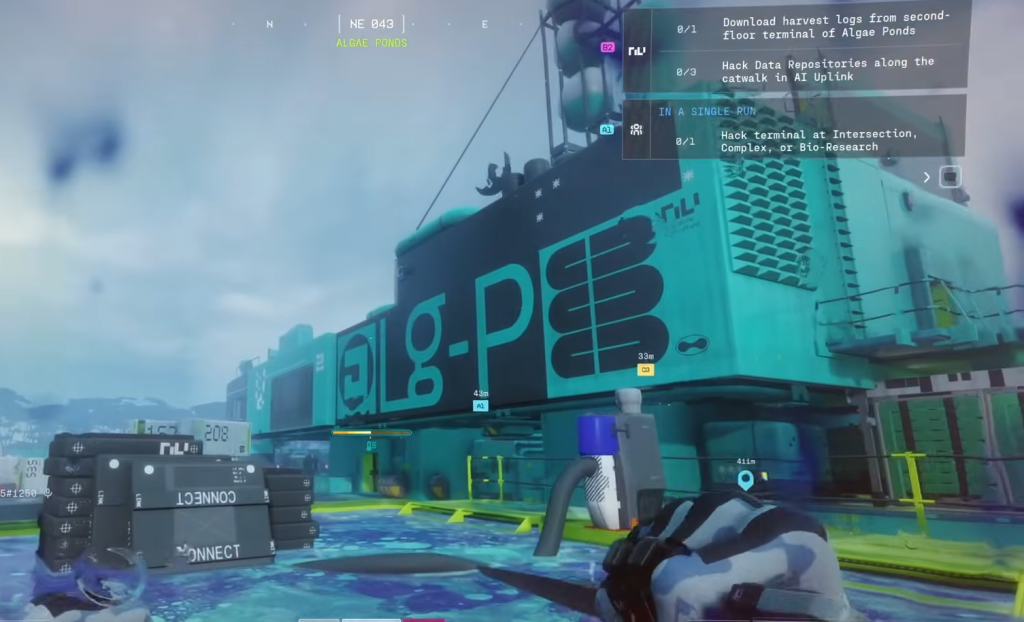
Interact with the terminal to hack the shipping database, and then we can proceed to the next task.
How to use explosives and blast open a container in Complex
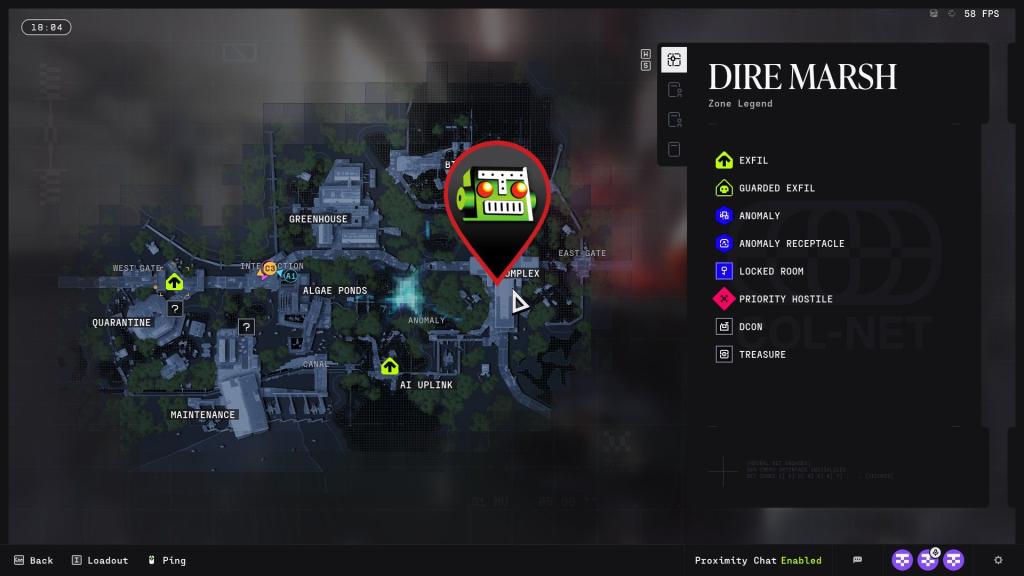
The second part of the contract requires you to blast open a container to get a UESC Resource Stockpile. However, it’s not just some random container, and you’ll have to reach the spot marked on the image above.
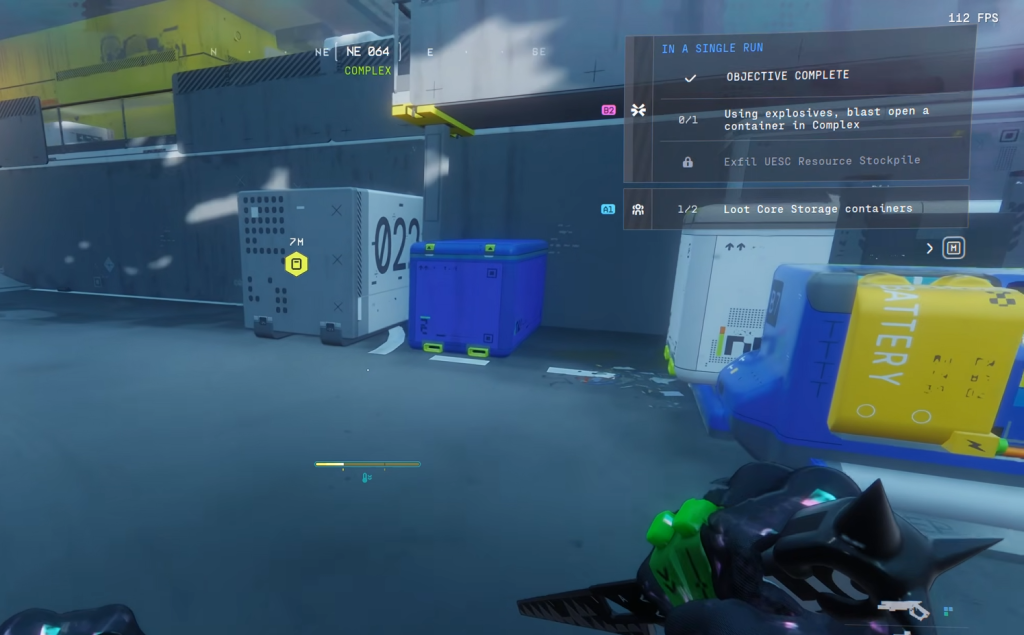
When you’re at the spot, you’ll find a container in front of the building. Look for “022” written on its side (or refer to the image below) to identify it. Throw an explosive at it, and you’ll be able to retrieve the UESC Resource Stockpile.
To complete the contract, you’ll need to safely exfil with the item. If you die, you need to restart from the first step. Finish the contract, and it will wrap up the Protect/Destroy line of quests.


![SILENT HILL f [RUNE] + [Update v1.2.382755] – MaxBit](https://i1.wp.com/gamepcfull.com/wp-content/uploads/2025/09/Free-download-silent-hill-f-gamepcfull.jpg?w=100&resize=100,100&ssl=1 "SILENT HILL f [RUNE] + [Update v1.2.382755] – MaxBit")

