
The Steam Machine is buyable at last! And it sure costs a pretty penny, as is probably to be expected here in the year of our lord and/or dark lord 2026. We’ve written a full user-focused review of the Steam Machine separately thanks to yours truly, but also it’s important to confess something: I am not a technical expert, and nor will I ever be.
But James Archer is! James is deputy editor of our lovely, PC-focused sister site RPS, and he’s also a genuine hardware expert too, formerly running that site’s hardware section himself. And so I’ve chosen to do the unthinkable and team up with our friends-slash-friendly-rivals there for our Steam Machine coverage, to give you a proper answer to what we expect to be the most pressing technical questions of the day.
Read on for that, but also crucially, do give not only our review linked above, but James’ equally (probably more) excellent review a look too, for the full spectrum of takes on this lovely, curious bit of kit.
In terms of value for money: would it cost less, more, or about the same to build a PC from parts that performs the same as the Steam Machine? Would it make more sense to just build, say, a mini ITX?
James: ‘True’ budget gaming PCs don’t really exist anymore, but for the price of a Steam Machine you could spec and build yourself a more powerful mini ITX rig around something like Nvidia’s RTX 5050. If you value performance-per-pound above all else, that does make a lot more sense, though it won’t be as compact – and almost certainly not as quiet – as a Steam Machine, so it might still be worth taking the framerate hit if you very specifically want an understated living room PC.
How quickly does this go out of date, performance wise – it seems it can play triple-A games at 1080/60, but for how long? Where does it sit compared to the average gaming PC per Steam hardware surveys?
James: I suspect that the performance needs of modern games have plateaued somewhat – when you think of really demanding stuff, it’s probably something like STALKER 2 or Indiana Jones and the Great Circle, both of which came out in 2024 (and both of which will run on the Steam Machine with the right settings). This might change when we reach the next console generation, but that won’t be for a while, ironically because of the same haywire component prices that are messing with the Steam Machine…
I also wouldn’t be surprised if it was the average; more powerful, modern mid-range GPUs are the most popular on Steam, but the number of players on older, cheaper hardware usually dwarfs the high-end contingent. There are more GTX 1060 users than there are RTX 5080 owners, for example.
Is running any recent big games at 4K on this a reasonable expectation?
James: It’s built for 1080p, to be sure, but with lowered settings and enough upscaling, you’d be surprised. Resident Evil Requiem will do about 70fps, at Low settings and with FSR on Performance mode, and it still looks decent to my eyes. Forza Horizon 6 also averages 57fps with Medium settings and FSR Performance, and 007 First Light – which I was pretty sure would collapse like Roger Moore’s knees – usually keeps above 40fps, provided you stick it on Low. And, again, FSR on Performance.
Will FSR 4 make a big difference to output – can it make up any gaps to an equivalent gaming PC/PS5 Pro?
James: FSR 4 isn’t really about going faster than FSR 3, but it does look a lot better, so it’ll still be a welcome addition if you want to play at higher resolutions (or settings) without the upscaler adding much mush.
How easy is it to do other typical PC gaming things on this – install mods, play non-Steam games, etc.?
James: It’s pretty much the same as on the Steam Deck: most is doable, even if you need to dip into SteamOS’ Desktop Mode for it. Lutris, in particular, remains a fine, (almost) all-in-one tool for easily adding non-Steam launchers and the games within.
What exactly is customisable in terms of hardware – storage, RAM, anything else?
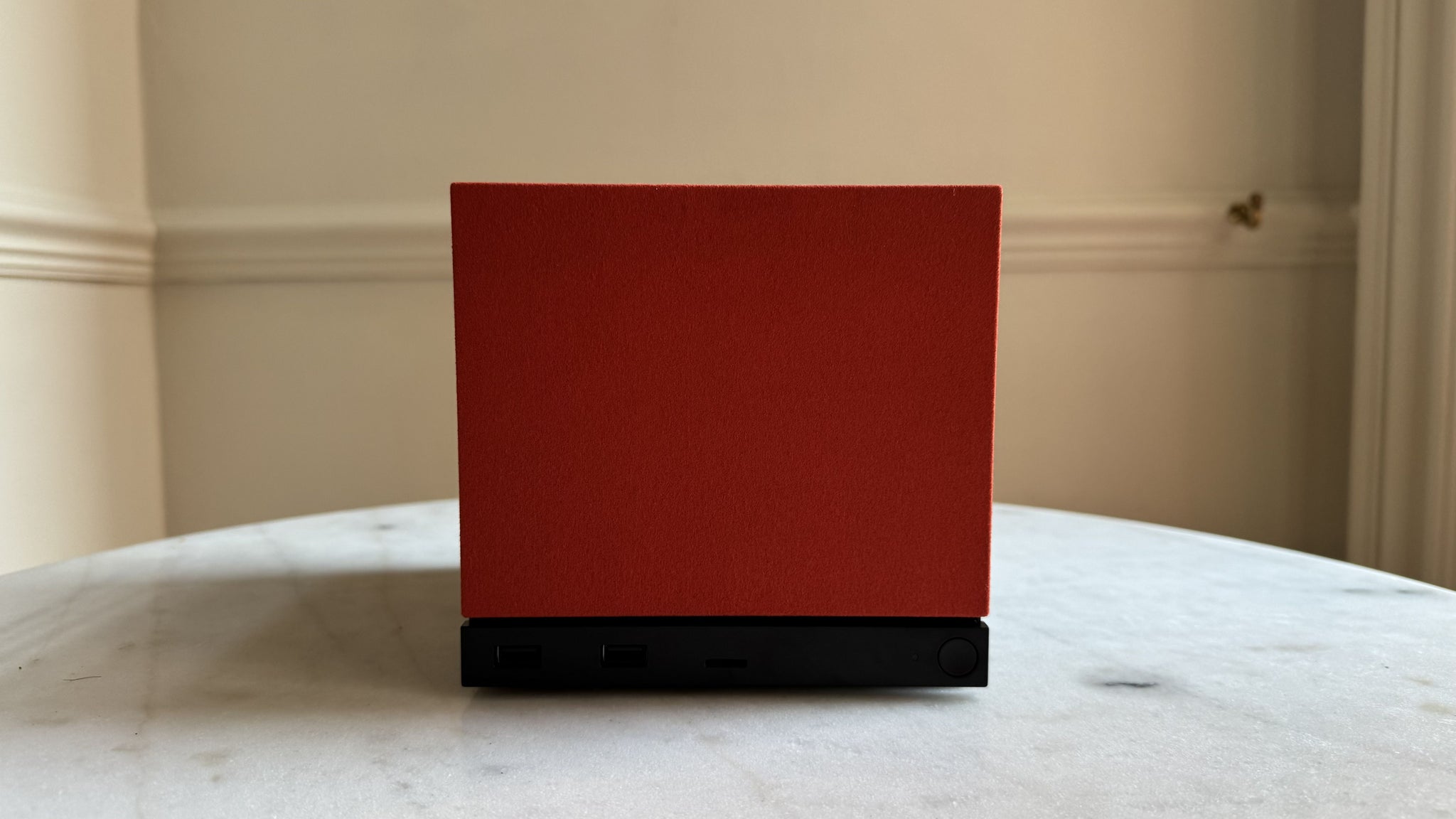
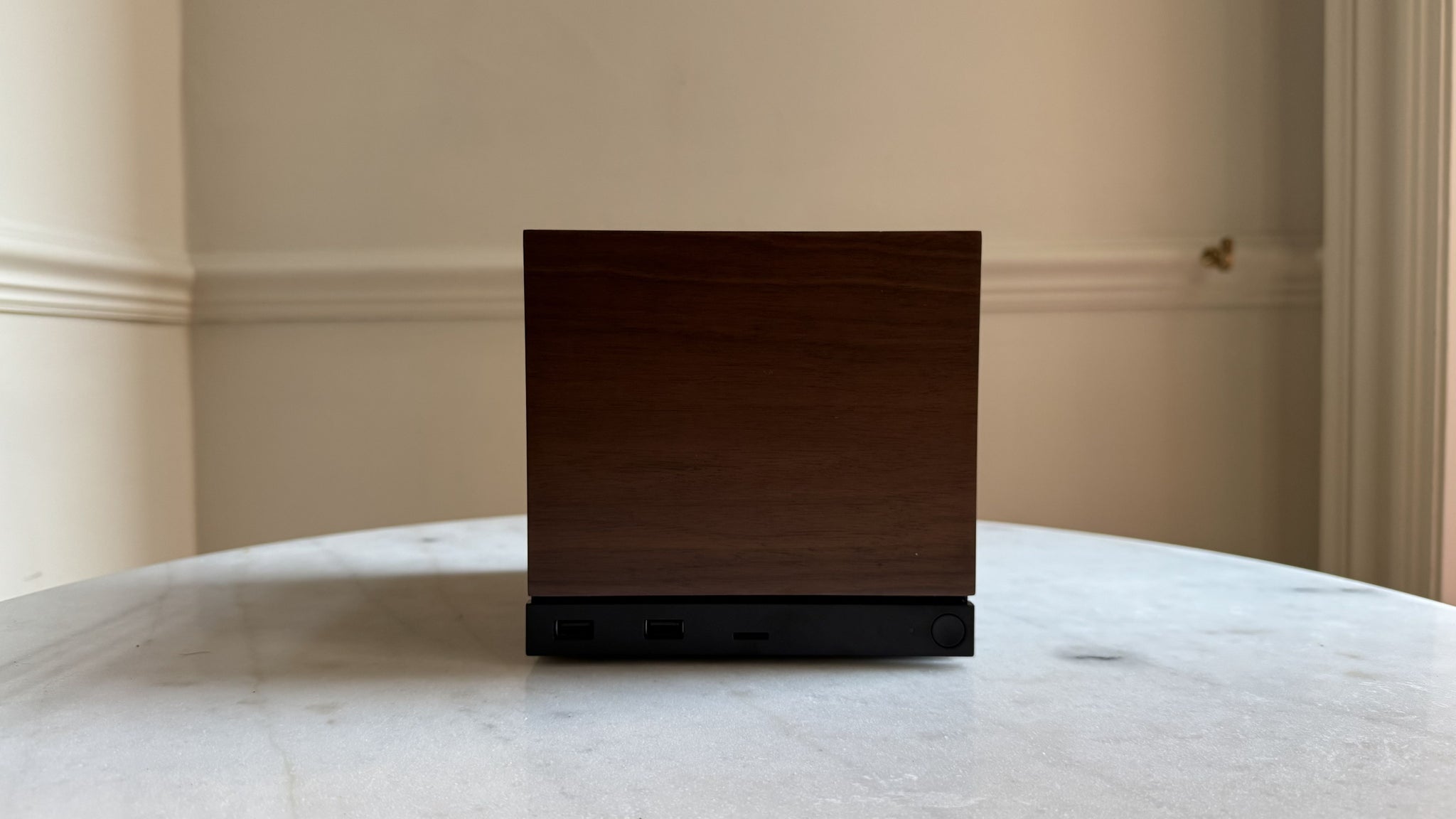
James: The average home DIY-er probably won’t want to pull apart anything other than the memory and storage, though there’s a microSD card for extra, relatively cost-efficient game install space. As far as PC cases go, the Steam Machine is also one of the more cosmetically flexible ones: you can adjust the RGB light strip, swap out the faceplates, or wrap the whole thing in a whimsical cover, like Dbrand’s Companion Cube case.
Can you side-load Windows to get around the anti-cheat issue with big multiplayer games – how convoluted is that if so?
James: I haven’t tried it on the Machine, but this should also work like on the Steam Deck, where you can install Windows onto a microSD card and boot from that while leaving SteamOS on the main SSD. It’s not entirely free of faff, though Nerdzap has developed a pretty neat tool to streamline the process.
Do you have any concerns about heat or noise?
James: Just the opposite: the Steam Machine’s quietness is one of the reasons to make it a living room PC over a conventional desktop build, and it doesn’t come at the cost of rubbish cooling either. The highest I’ve clocked an internal component is the CPU at 81°c, which is perfectly safe, and the external front, top, and side panels only ever get slightly warm to the touch.
For much more on the Steam Machine, remember we have both our Steam Machine review and RPS review, plus the key takeaways from our interview with Valve’s designers on both the price and components considerations and its place in competition with other consoles, including Xbox’s Project Helix.
We also have a guide on how to order the Steam Machine too, given the process is a little strange, a rundown of the Steam Machine’s specs, and a big old summary of everything you need to know about the Steam Machine to cover all the bases.


